
Products
Solutions
Resources


A few months ago, the Statsig Labs team set out to add a whole new layer of interaction to our console: Statbot.
Statbot is our new experimentation agent, helping every user set up robust experiments, decipher complex results, and ultimately decide what to ship next.
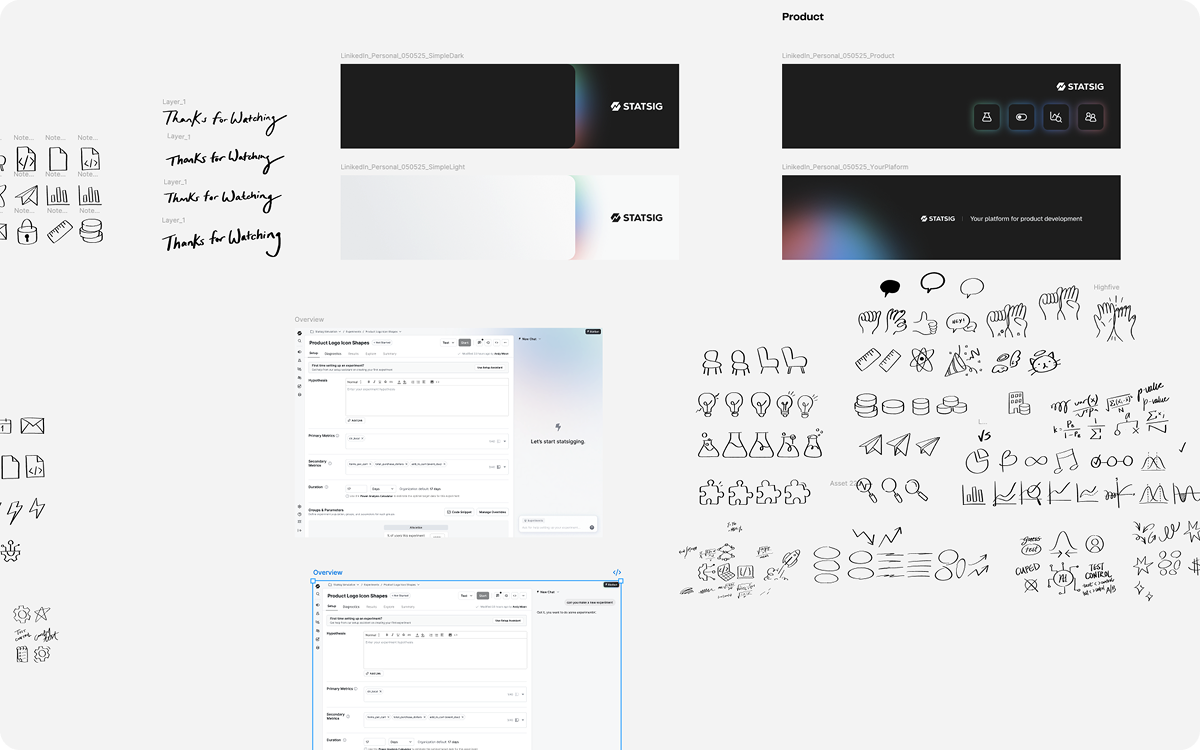
Designing Statbot raised a few big questions. How could we make it feel approachable and trustworthy? How could we make it useful for both technical and non-technical users? And how could we bring more expression to the UI while staying true to Statsig’s visual identity?
Here’s how we worked through those questions, and more, over the course of this design process.
Expanding Statsig's visual identity
Statsig’s visual identity leans technical, with data-heavy interfaces, a monochromatic palette, and layouts built around function. Statbot gave us a chance to explore a more expressive side of that identity.
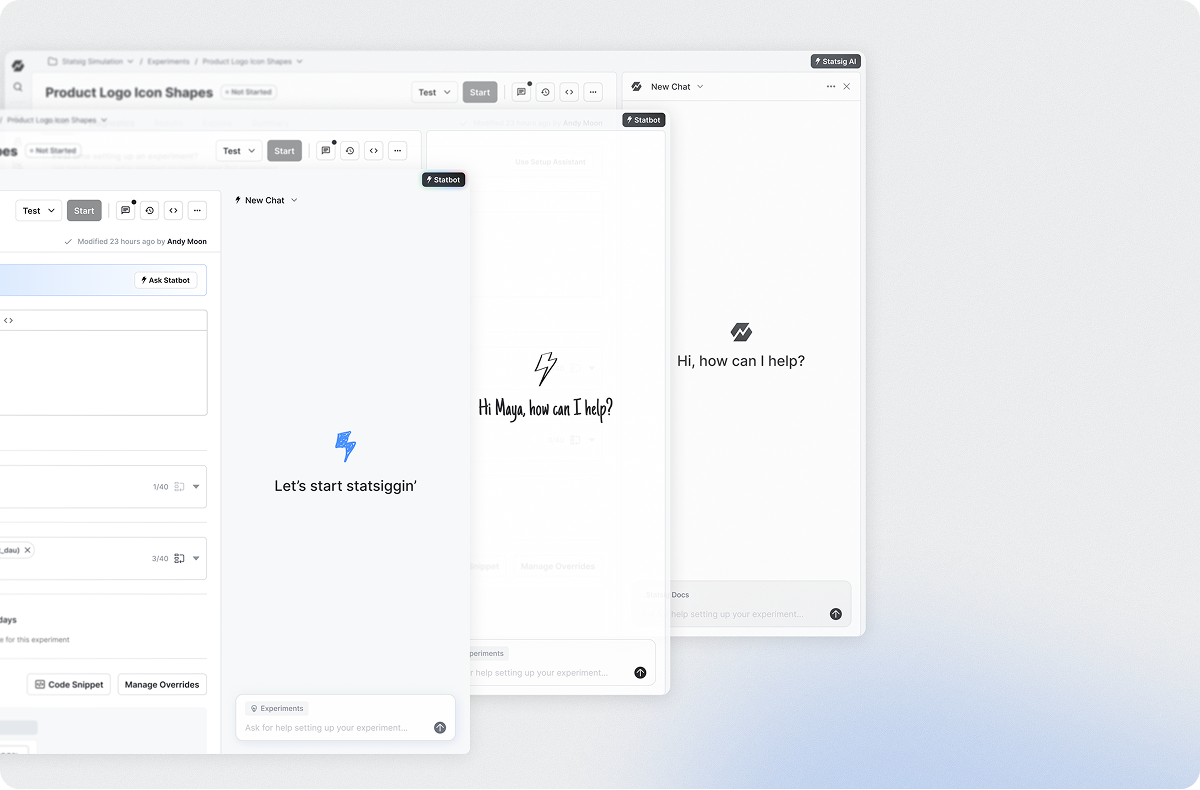
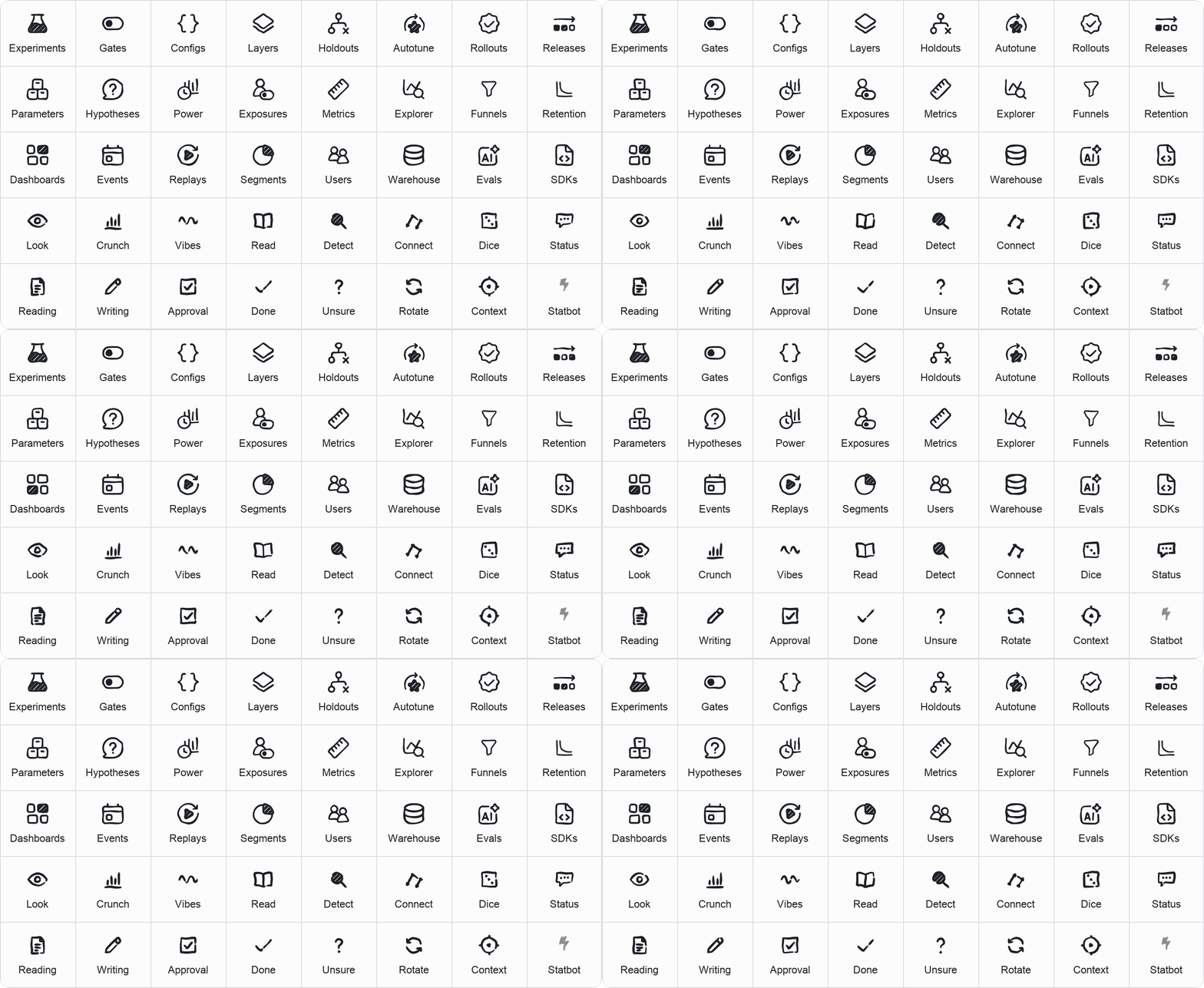
We drew on our existing branding, bringing its hand-sketched iconography, animation, and a little gradient flair into the product for the first time. Statbot’s symbol is a hand-drawn bolt (a nod to the Statsig logo) animated in a loose, sketchy style. From there, we created a full suite of doodle icons for the Statbot UI.
These small moments add some fun and delight while preserving the clarity people rely on when working with their data. The idea was to make each chat feel like a little data science whiteboarding session.
Finding Statbot’s voice
We defined Statbot’s personality as curious, smart, and a little quirky. We wanted its tone to feel casual and friendly, without ever crossing over into annoying or untrustworthy.
We refined its prompts using Statsig’s own Agent Experimentation product, testing variations against each other to find the right balance of tone and answer quality.
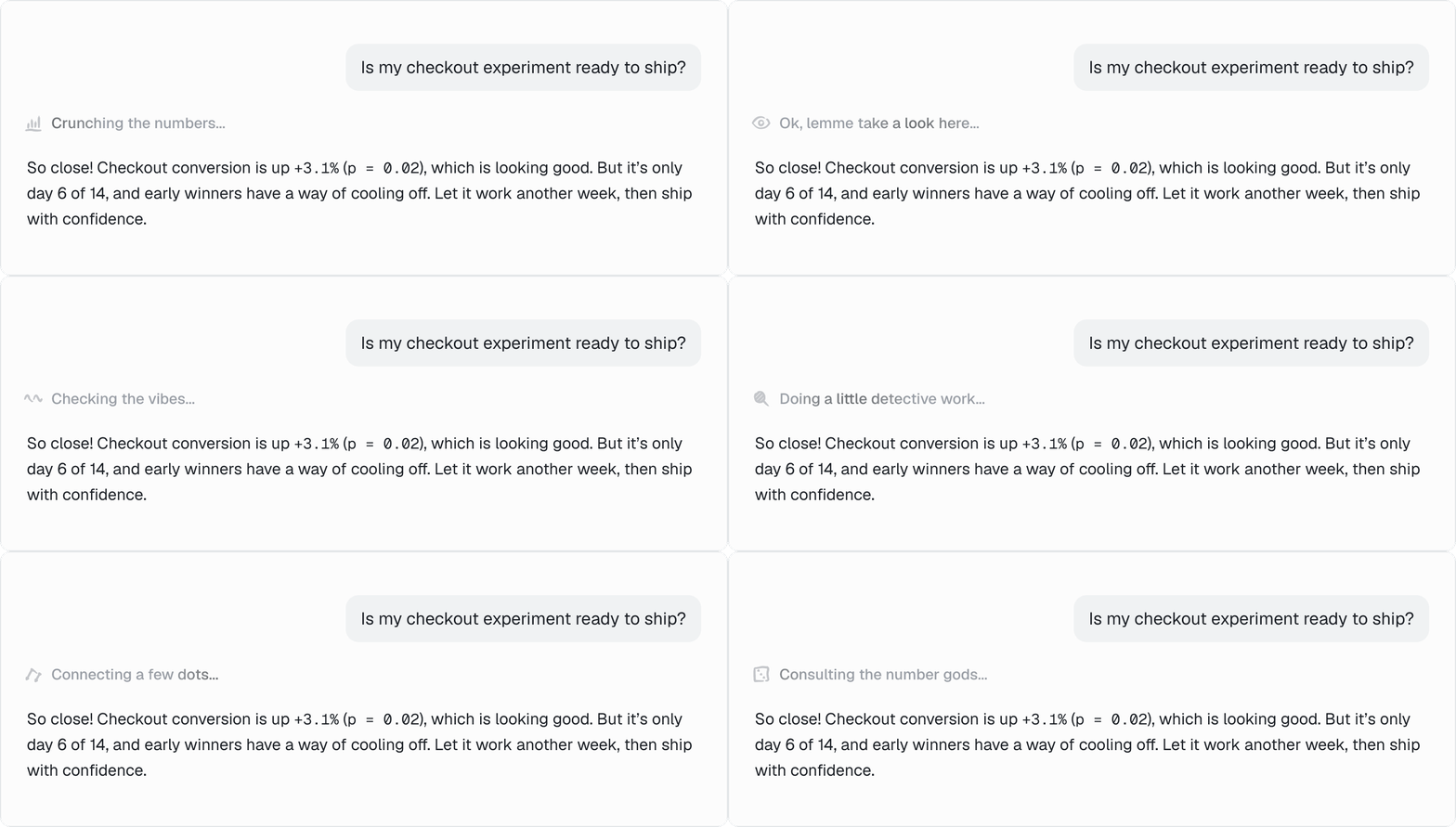
That voice carries through its welcome messages, responses, and reasoning states, making the whole conversation feel cohesive. While Statbot works, it cycles through carefully curated and individually illustrated thinking states, adding a little flair and life to the interaction.
Starting the right conversation
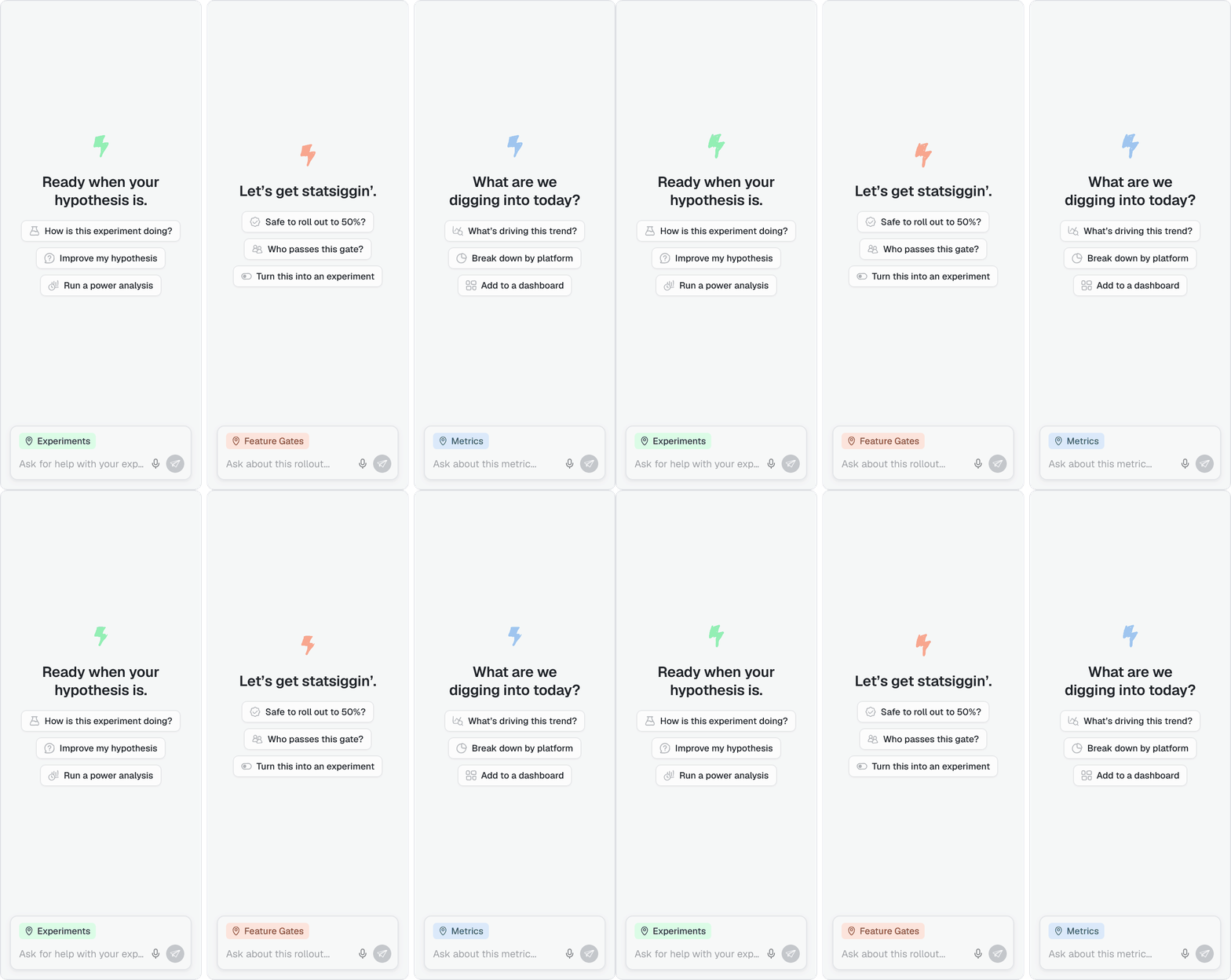
One of the biggest barriers to a new workflow is knowing where to start. We tailored Statbot’s content to the page it’s opened on, helping people see what it can do and what they might want to ask.
Personalized question pills suggest relevant starting points, taking some of the guesswork out of an empty prompt box. Rotating, page-specific taglines offer another gentle nudge, highlighting ways Statbot can help with what’s in front of you.
Connecting conversation and console
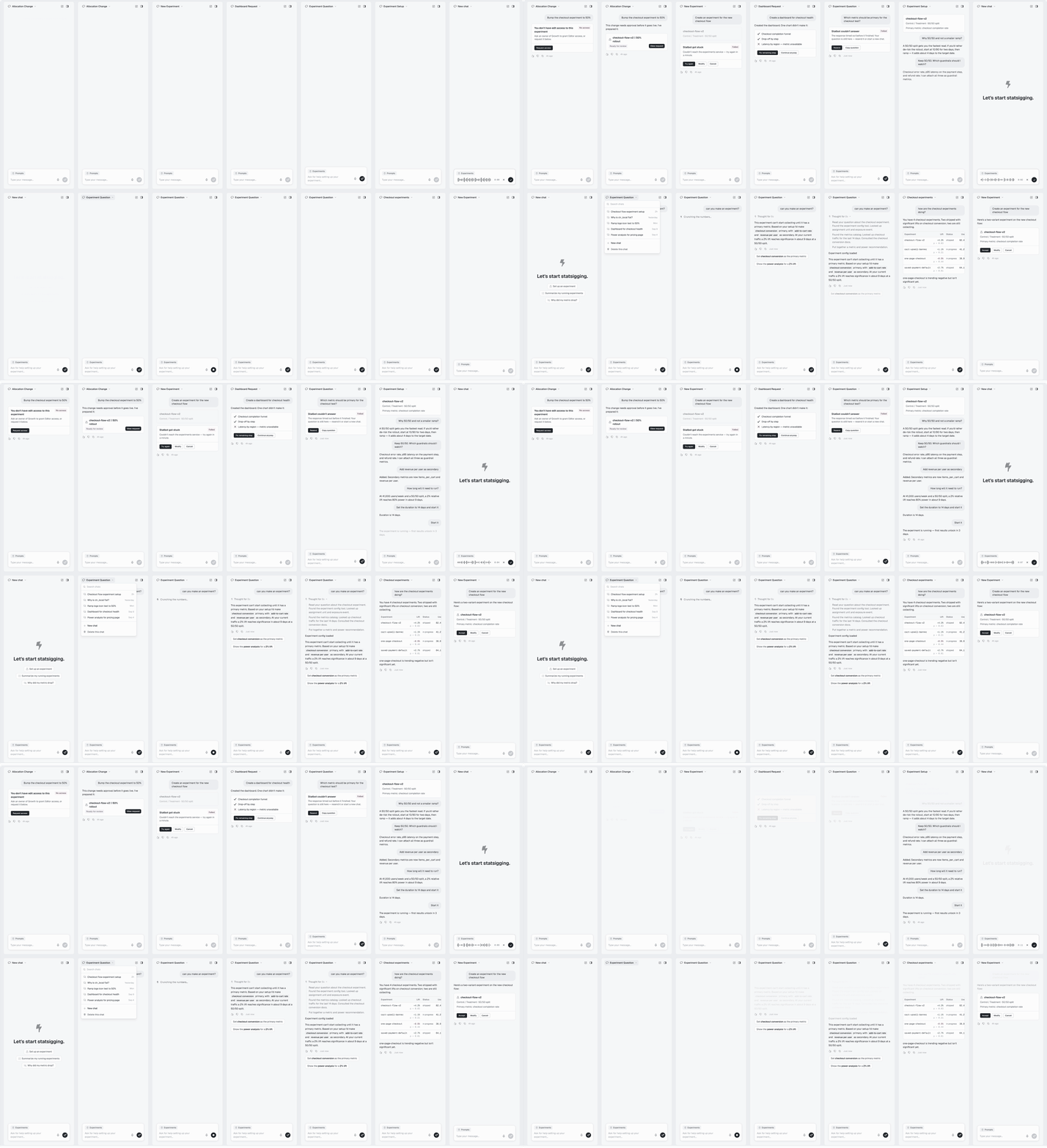
We didn’t want this experience to feel like we were shoehorning an AI chatbot into our app for the sake of it. We wanted Statbot to fit naturally into users’ existing workflows and make it easier to get things done. This meant going beyond simple text and designing custom UI components within the chat that reflected and interacted with the core interface.
Micro-interactions make the transitions between chats, pages, and tasks feel natural. As people move through a conversation, the surrounding product context stays accessible, so they don’t lose track of the experiment or metric they started with.
We added voice input so users could talk through their thoughts directly in the chat. The chat’s width is easily adjustable, so users can choose how much of the screen they want it to take up. The Statbot button lives in the top right of the screen, instead of floating over and hiding the existing UI.
All these little details came together to make the experience feel truly designed.
Entering the next phase of Statbot’s design
Designing Statbot was what I would call a 360-degree design experience: every doodle, gradient, reasoning state, and animation was crafted to come together into a single experience that elevates the Statsig product as a whole. But as every designer knows, the work only truly begins once people start using it. So try out Statbot today, and let us know what you think!
Statbot is live for all Statsig customers. Try it in the console and learn more about it in the docs.